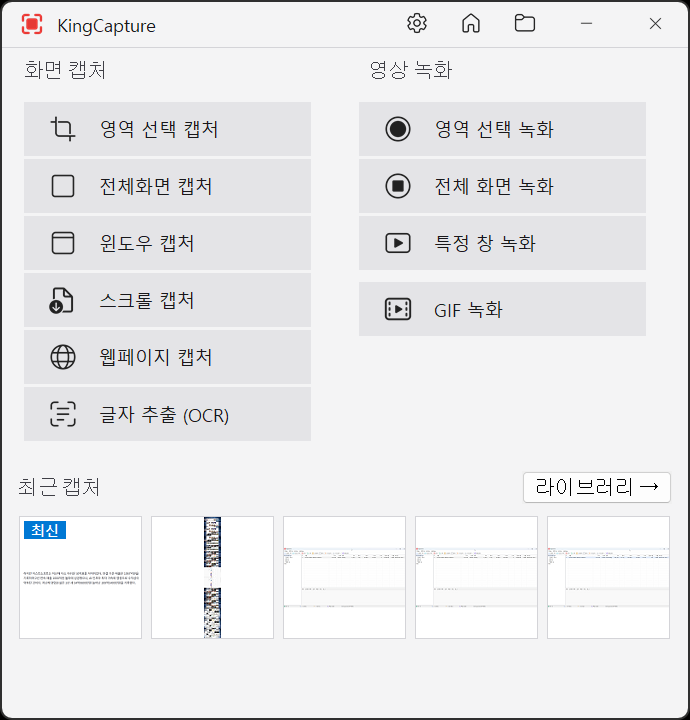
KingCapture KingCapture
Completely Free · Ultra-Fast · High-Performance
Coming SoonSystem Requirements
OS
Windows 10 1607 or later
RAM
200MB+ recommended (1GB for 4K recording)
Disk
10MB install + capture storage